FAQ
I. What is Forever?
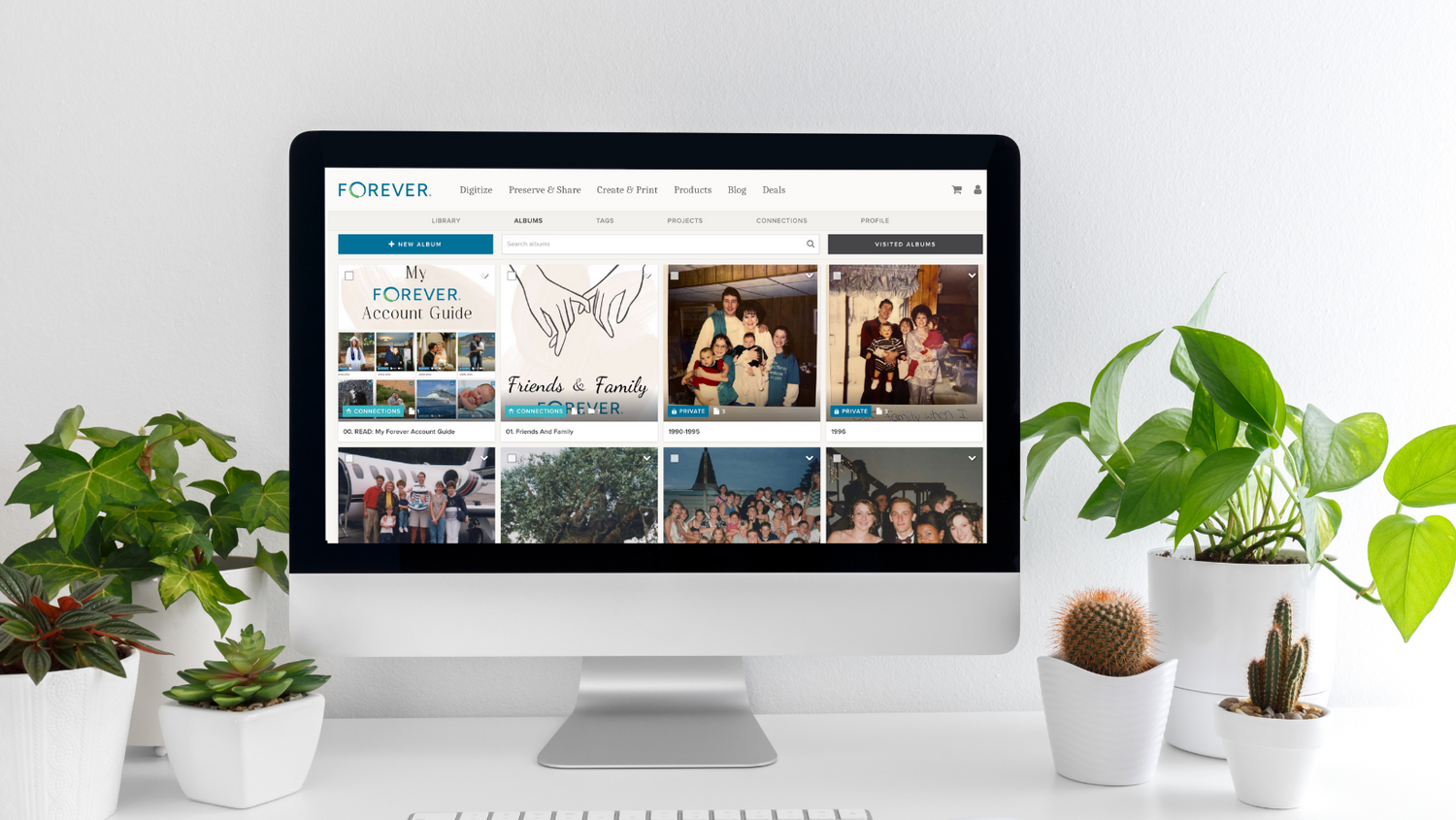
Forever is a permanent, private and secure cloud based storage. You pay once for storage and own it for your lifetime plus 100 years. File formats are automatically updated so they never become obsolete. Forever is mobile so you can upload and access your photos, videos and documents wherever you go. This keeps your photos accessible without using the storage on your phone or device. No more alerts about running out of storage on your phone!
II. Why do you recommend Forever?
It's simple to use and this is how
I store my entire photo and video collection. I would rather own my storage than rent it. I also do not want a subscription based account that can change policy or delete photos over time.
III. Why should I pay for storage when others are cheaper?
Forever is the only company to offer permanent cloud storage. Once you purchase FOREVER storage, you become the owner of your account. With other cloud storage providers, you are renting your storage and cannot guarantee your photos will be saved long term.
IV. What do I need to do to get my forever $20 reward coupon?
When you create your free FOREVER 2gb account, make sure you confirm your email address in your email account. If you don't confirm your email address, you will not earn the $20 coupon.
V. I purchased forever storage, now what?
When you purchase storage, I will send you a link of detailed tips that I specially curated. This link will help get you started right away with personalizing and working in your account. The information will show you how to navigate, upload and organize your account. I am also available to help with any questions you have along the way.
VI. How hard is it to transfer photos from my current cloud storage to my forever account?
It all depends on the cloud service provider. Some companies make it easy to export your photos and others make it very difficult. I have instructions that will help you navigate moving your photos over to your Forever account.
VII. Do I need a computer to use my Forever account?
You do not need to have a computer to use your Forever account. It is accessible on all devices through the app on your phone or iPad/tablet. If you have access to a computer, though, it does make it easier to organize and work within your account.